How to File Land Record Corrections on MP Bhulekh Portal
If you’ve noticed discrepancies in your land records on MP Bhulekh, don’t worry! It’s not uncommon for small errors to occur in digital land records. Whether it’s a typo in your name, a mismatch in land details, or incorrect boundaries, the MP Bhulekh portal allows you to request corrections easily.
Visit the MP Bhulekh Portal
Here’s a simple guide on how to file land record corrections on the MP Bhulekh portal.
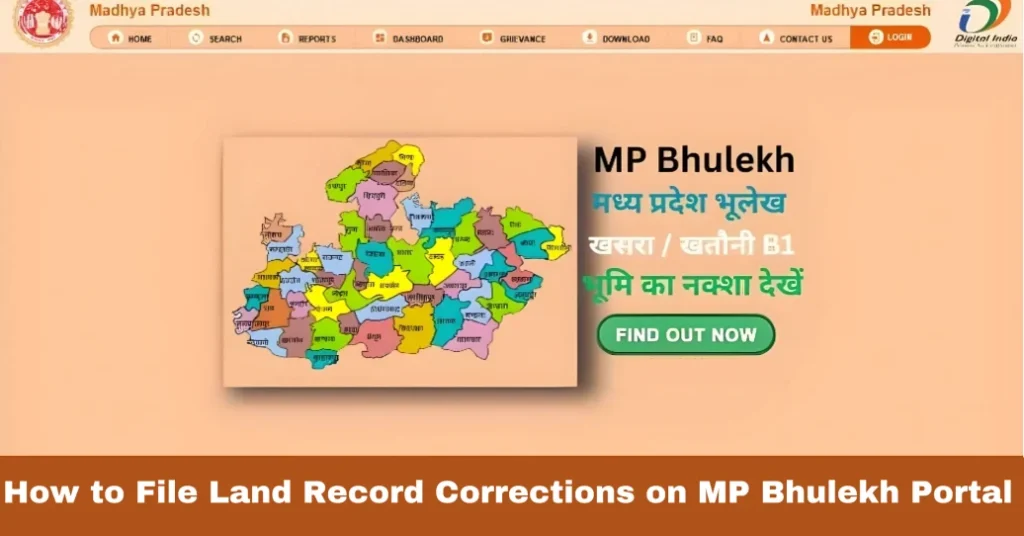
The first thing you need to do is visit the official MP Bhulekh portal:
mpbhulekh.gov.in
Once you’re on the homepage, navigate to the “Land Record Correction” section or find the relevant link for filing corrections.
Login to Your MP Bhulekh Account
To access your land records, you need to log in to your account. If you don’t have an account yet, you will need to register using your Aadhaar number or other personal details.
Tip: Make sure your login details are correct and up to date, as you’ll need to access your land records to request corrections.
Select the Record That Needs Correction
Once you’ve logged in, you’ll see a list of your land records (like Khasra, Khatauni, B1 forms, etc.). You’ll need to select the record that requires correction.
If the error is related to a specific plot, select the plot number or Khasra number that’s associated with the incorrect information.
Identify the Error
Review the record carefully to identify the error. Common issues that require correction include:
Make sure to highlight the specific section or detail that is incorrect.
Submit the Correction Request
After identifying the error, follow the instructions on the portal to submit a correction request. You will be asked to:
Tip: If possible, include any official documents that can back up your correction request (e.g., land survey documents, government-issued records, etc.). You can also read: How to Use MP Bhulekh for Land Revenue Payments
Verification and Approval
After you’ve submitted your correction request, it will be verified by the relevant authorities. The Tehsil office or revenue department will check your request and validate the details.
Tip: Keep a copy of your request and receipts in case you need to follow up or provide additional information.
Track Your Correction Request
Once the correction is submitted, you can track its status on the MP Bhulekh portal. Most of the time, the portal will show whether your request is under review, approved, or rejected.
If your request is approved, you will see the updated records on the portal. You can download or print the corrected documents for your records.
Why File Land Record Corrections on MP Bhulekh?
Filing corrections on MP Bhulekh helps ensure that your land records are accurate and up-to-date. Having correct records is crucial for:
FAQs:
Final Words
Correcting land records on MP Bhulekh is a straightforward process, and it’s essential for maintaining the integrity of your property’s information. With the digital portal, you can handle most of the correction process from the comfort of your home, without needing to visit government offices.
Remember, the key is to ensure all the details are accurate and to provide the necessary supporting documents when filing the correction request.
By following these steps, you can easily make sure your land records are correct and up-to-date on the MP Bhulekh portal.